


Top 10 Wix alternatives for building websites in 2026
Written by Lydia Burns
Wix is a capable starting point. But there comes a moment for a lot of marketers and business owners when it stops keeping up — slow load times, limited interactivity, templates that look like templates. You want something that actually reflects your brand and converts.
The good news: there are strong alternatives across every use case, whether you need a full website builder, an eCommerce platform, or a tool to create the kind of content experiences that make visitors actually stick around.
This guide covers the 10 best Wix alternatives, what each one is best for, and how to figure out which is right for you.
Disclaimer: The information below is accurate as of May 08, 2026.
What to look for in Wix alternatives
Before picking a platform, it’s worth getting clear on what you actually need. A few things to evaluate:
- Ease of use — does it have a drag-and-drop editor or require technical knowledge?
- Customization — how much control do you have over design and functionality? Some platforms offer greater design freedom and more control, which is important for users seeking advanced customization and flexibility.
- Interactivity — can you create engaging, dynamic experiences or just static pages?
- Analytics — can you see what’s working and optimize from within the platform?
- Pricing — is there a free plan, and what do paid tiers actually unlock? Consider affordable pricing, the range of pricing plans, and monthly costs to ensure the platform fits your budget.
Keep in mind that most free or entry-level plans only include basic features, which may be limited in functionality or come with restrictions.
A well-organized site structure is crucial, as it helps search engines better understand, index, and categorize your website content, directly impacting your SEO performance and scalability.
Choosing a website builder depends on your priorities—whether you value design aesthetics, e-commerce capabilities, or technical control.
Webflow offers strong SEO tools out of the box, including custom slugs, meta fields, schema markup, and clean, performance-first code natively. Shopify handles SEO basics effectively, but some deeper SEO customizations, like clean URL control, may require apps or workarounds, making it less flexible than Webflow or WordPress.
Alternatives to Wix: Comparison table (with features & pricing)

1. Ceros Flex — Best for interactive content and marketing experiences
If the reason you’re moving away from Wix is that your content isn’t performing — low engagement, high bounce rates, landing pages that don’t convert — Ceros Flex is the alternative worth looking at closely, especially given the next chapter for Ceros with Flex and its focus on performance and responsiveness.
Flex is a no-code platform built for marketers who want to create interactive, animated, and genuinely engaging web experiences and interactive websites without involving a developer. A key feature of platforms like Ceros Flex, the no-code interactive content platform for design, speed, and performance, is enabling interactive digital experiences using no-code tools. Think landing pages that move, product showcases with clickable hotspots, microsites that tell a story as you scroll. The kind of content that gets shared and remembered.
Unlike traditional website builders, Ceros isn’t trying to host your entire site — it’s designed to produce the high-performance content experiences that sit within or alongside your main site, and that do the heavy lifting when it comes to engagement and conversion.

Who is it for?
Marketers, content teams, and designers who want to create interactive landing pages, campaign microsites, interactive reports, and branded content experiences — without writing a line of code, and who want to create interactive content without code in Ceros Flex.
Ceros features
- Drag-and-drop editor with animations, scroll effects, and interactive elements
- Template library for quick starts, or build from scratch
- Flex AI for AI-assisted content creation
- Import designs from Figma, Photoshop, or Sketch and add interactivity
- Built-in analytics to track engagement at the interaction level
- Embed or link Ceros experiences anywhere — your existing site, email, social
Ceros pricing
Ceros has new, flexible pricing to suit any sized team. Learn more about Ceros pricing.
How does Ceros compare to Wix?
We designed this comparison table to show you how both tools compare:
| Ceros | Wix | |
| Best feature | AI-powered templates and interactive web design | Multilingual feature and a huge template library |
| Best for | Designers, marketers, and entrepreneurs | Business owners, marketers, and service providers |
| Cons | Ceros only helps you create experiences you can link or embed to your site | Templates aren’t entirely responsive |
| Free Plan/Trial | Yes (Free trial) | Yes (Free trial) |
2. Squarespace — Best for visually-driven sites
Squarespace is built for people who care about design and value design freedom. Its templates are among the cleanest in the website builder market — well-suited to portfolios, creative agencies, and businesses where aesthetics and creative flexibility carry weight. Squarespace is widely considered the top alternative to Wix for design-focused sites, offering polished, award-winning templates and a structured editor.
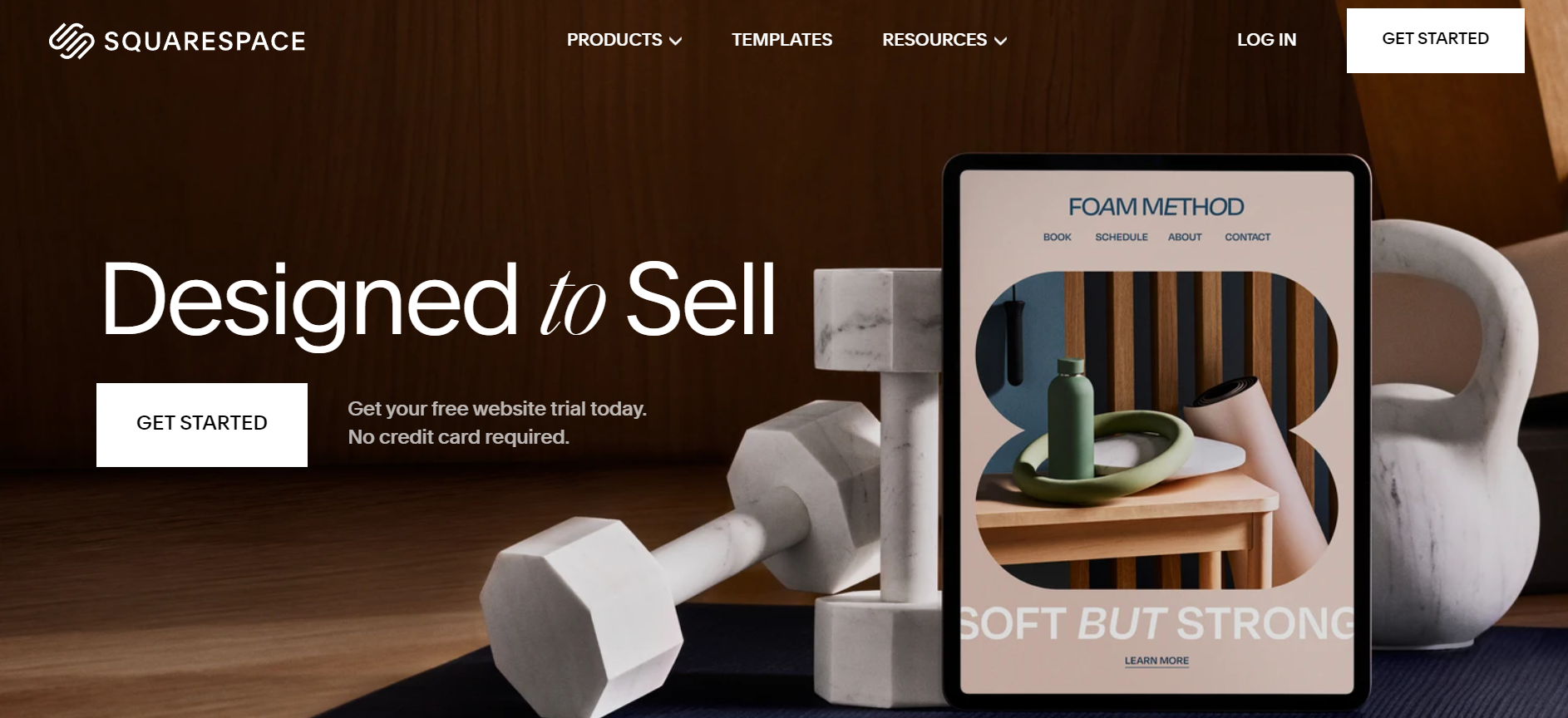
Image Source: Squarespace
Beyond design, Squarespace handles the full business stack: scheduling, invoicing, email marketing, built-in SEO tools, and eCommerce. It’s a genuinely capable all-in-one platform, with the trade-off being less flexibility than open platforms like WordPress.
Who is it for?
Business owners, bloggers, artists, and entrepreneurs building visually-led sites.
Squarespace features
Here are some of Squarespace’s features:
- Premium design templates with fast load times
- Built-in eCommerce, scheduling, and invoicing
- Email marketing and SEO tools included
- Custom domain management
- AI website builder tool that is easier to use than Wix's, guiding users through a simple five-step setup process
Squarespace pricing
Squarespace is available to use for 14 days. After that, paid plans start at $16 per month.
How does Squarespace compare to Wix?
Squarespace is ideal for creatives and entrepreneurs who need to build a site with high-visual content and quick loading time. Wix is also for business folks interested in improving their online presence See other ways they compare in the table below:
| Squarespace | Wix | |
| Best feature | Creatives, portfolios, visually-led businesses | General business websites |
| Standout feature | Design quality and template polish | Large template library, multilingual support |
| Cons | Limited integration with third-party apps | Templates aren’t entirely responsive |
| Price | $16 per month | $17 per month |
| Free Plan/Trial | Yes (Free trial) | Yes (Free trial) |
3. Shopify—Best for ecommerce
If your primary goal is selling online, Shopify is the most purpose-built option on this list. It’s not a general website builder — it’s an eCommerce platform specifically designed for online selling, offering robust features for inventory management, payment processing, and scalability for businesses of all sizes.
Inventory management, multi-channel selling (social, online store, in-person), payment processing with no transaction fees, and a vast app ecosystem for extending functionality — Shopify is the infrastructure layer for serious online store owners.
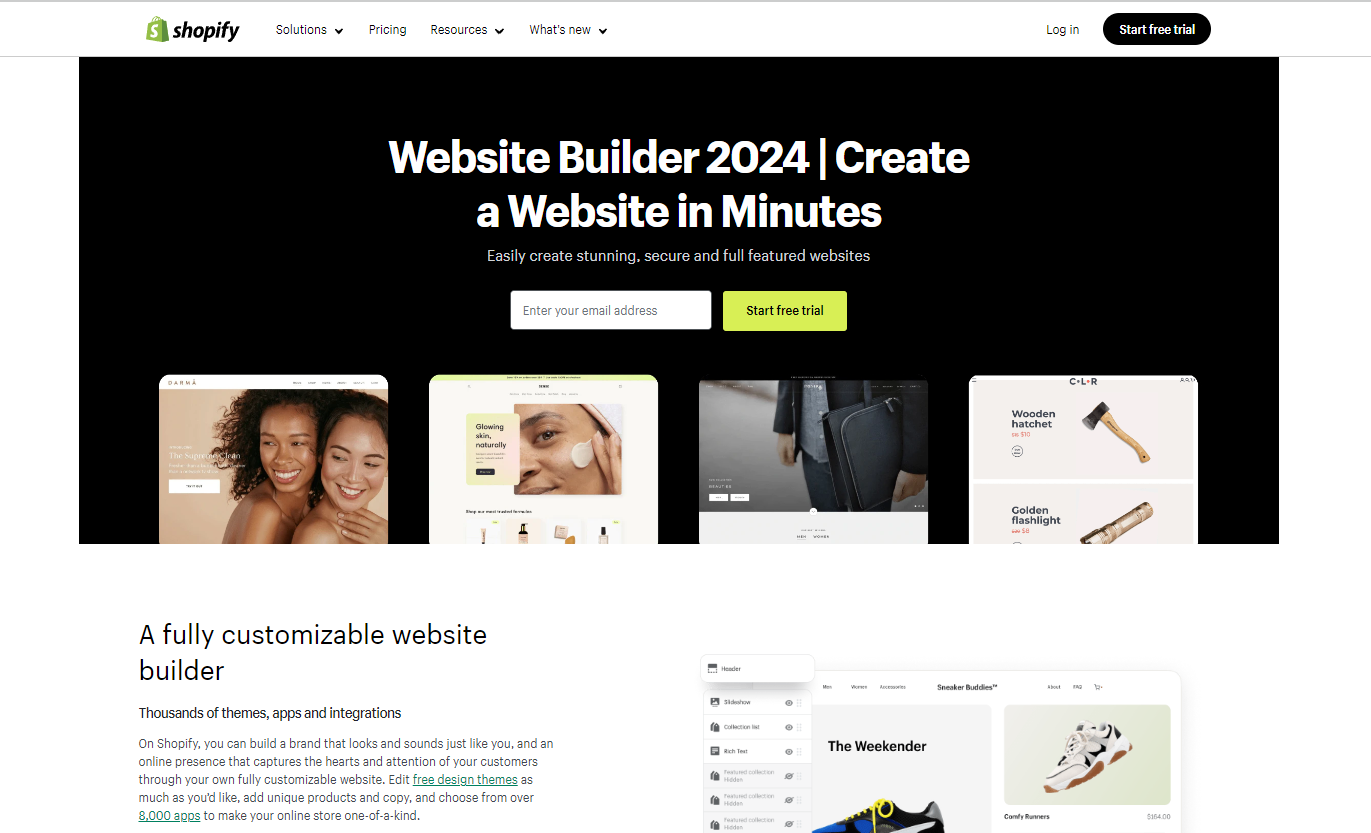
Image Source: Shopify
Who is it for?
Online store owners, entrepreneurs, retailers, and digital marketers focused on selling products or services online.
Shopify features
Take a glance at some features that make Shopify the eCom giant:
- eCommerce-first site builder with store themes
- Multi-channel selling across social platforms
- Inventory and order management
- Shopify Inbox for customer chat
- Extensive app marketplace
Shopify is recognized as a leading e-commerce platform for online selling. It handles SEO basics effectively, but deeper SEO customizations, like clean URL control, may require apps or workarounds, making it less flexible than Webflow or WordPress for advanced SEO needs. BigCommerce is another strong e-commerce platform that provides extensive features for serious online store owners, including advanced inventory management and sales tools.
Shopify pricing
3-day free trial; paid plans from $25/month
How does Shopify compare to Wix?
Shopify is for people concerned about selling their products or services online while Wix helps create sites to make their brands visible. Here are other ways both tools compare:
| Shopify | Wix | |
| Best for | Online stores | General business websites |
| Standout feature | eCommerce infrastructure | Large template library |
| Cons | Can be expensive to use in the long run | Templates aren’t entirely responsive |
| Price | $25 per month | $17 per month |
| Free Plan/Trial | Yes (Free 3 day trial) | Yes (Free trial) |
4. WordPress
WordPress powers over 40% of the web for a reason. As a leading content management system (CMS), it’s the most customizable option on this list — through themes, plugins, and direct code access, you can build virtually anything on it. A wordpress site can also be extended with WooCommerce, a plugin that enables fully functional online stores, making it a flexible choice for those already familiar with the WordPress ecosystem.

Image Source: WordPress
The trade-off is a steeper learning curve than drag-and-drop builders. But for anyone who wants long-term control over their site — SEO, custom functionality, content management at scale — WordPress is hard to beat. It offers maximum flexibility and ownership, making it ideal for content-heavy sites that require advanced SEO control and customization.
Who is it for?
Web designers, developers, bloggers, and businesses that want maximum flexibility and own their platform.
WordPress features
- Thousands of themes and plugins
- Full code access for custom development, plus the option to add custom code for advanced customization
- Robust media management
- Strong SEO foundation (especially with plugins like Yoast)
- WordPress.com hosting or self-hosted via WordPress.org
WordPress pricing
Free plan available; paid plans from $9/month on WordPress.com. Self-hosted is free software with separate hosting costs.
How does WordPress compare to Wix?
WordPress is an open-source platform meaning with the right skills, you can modify it to suit your needs. It has advanced customization features for both beginners and professional web developers.
Wix, on the other hand, lets you create websites with ease but has limited flexibility such as switching templates after it goes live. Check this graphic to see how other ways they differ:
| WordPress | Wix | |
| Best for | Customizable, scalable sites | Beginner-friendly business sites |
| Standout feature | Plugin library, open-source flexibility | Drag-and-drop ease, template variety |
| Cons | Special features require plugins to work | Templates aren’t entirely responsive |
| Price | $9 per month | $17 per month |
| Free Plan/Trial | Yes (Free plan) | Yes (Free trial) |
5. Web.com—Best for beginners who want a managed service
Web.com is positioned as a one-stop shop: you can build a site yourself using their AI-powered builder, or hand it off to their in-house team to build for you. That managed service option makes it stand out for business owners who want a professional result without doing the work themselves. The dashboard is designed to provide all the tools needed for website management in one place, making it user-friendly and efficient.
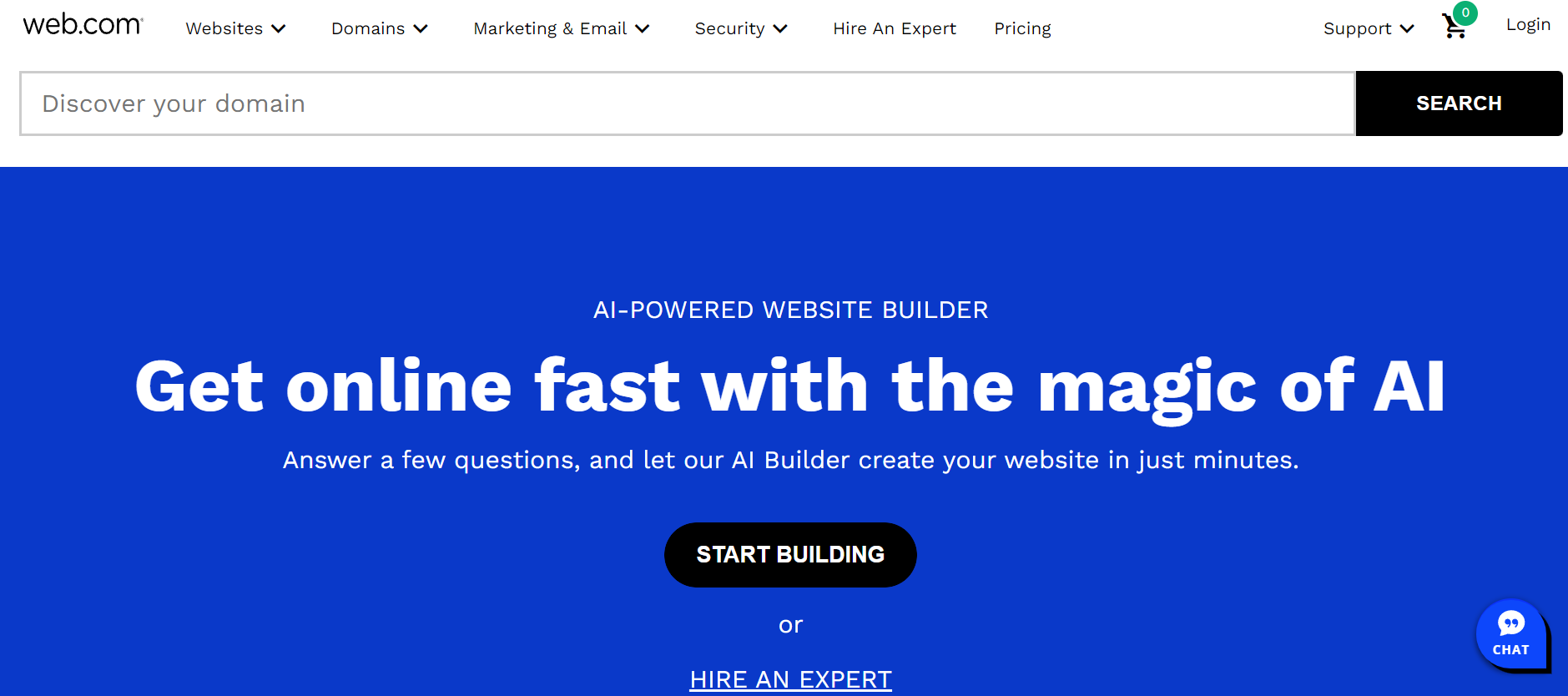
Image Source: Web.com
Who is it for?
Entrepreneurs and small business owners who want a site up quickly with minimal involvement.
Web.com features
Here are some of Web.com’s top features:
- AI site builder from text prompts
- Managed web design service (human-built)
- Built-in web hosting and domain management as part of the all-in-one package
- SEO services and AI content generation
- eCommerce functionality
Web.com pricing
Web.com doesn’t offer a free version or demo. If you want to use this tool, you can subscribe to any of their paid plans.
- Website plan at $19.99 per month.
- Website + marketing at $24.99 per month.
- eCommerce plan at $34.99 per month.
How does Web.com compare to Wix?
Web.com offers a web design service where people from their team create custom sites while Wix has a marketplace like Fiverr where users can find and negotiate with professionals to design sites from scratch.
We created this table to show you the different ways they compare:
| Web.com | Wix | |
| Best for | Beginners wanting a managed service | DIY business website builders |
| Standout feature | Human web design service option | Large template library |
| Cons | Limited integration options | Templates aren’t entirely responsive |
| Price | $19.99 per month | $17 per month |
| Free Plan/Trial | No | Yes (Free trial) |
6. Weebly
Weebly’s integration with Square (the payment platform) makes it a practical choice for small businesses that want to sell online without complexity. It’s straightforward to use, reasonably priced, and covers the basics well, including basic blogging tools for simple content needs.
Jimdo is another option in this space, with an interface designed to be clean and user-friendly, enabling users to create websites quickly without needing coding or web design knowledge.
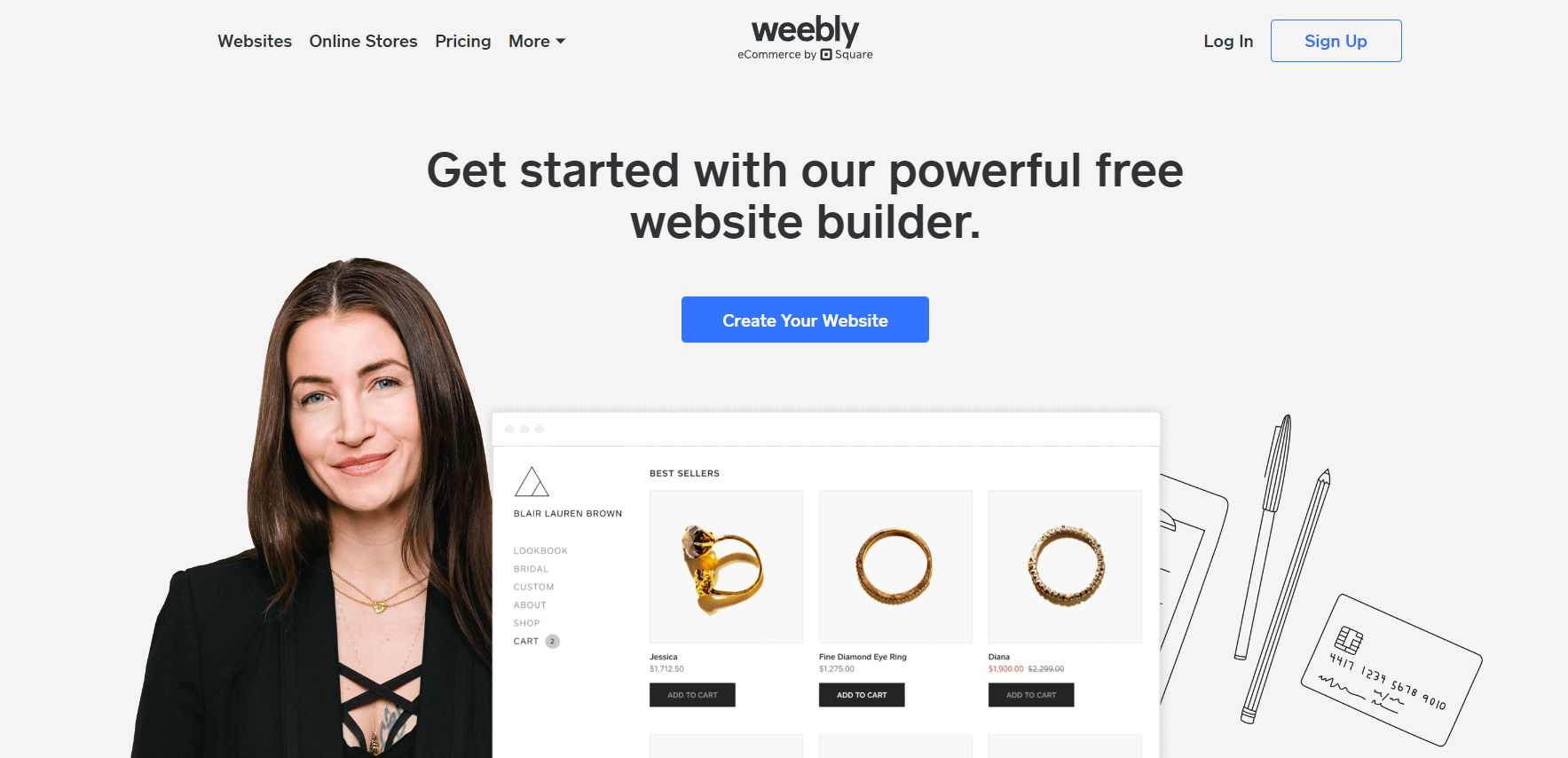
Image Source: Weebly
Who is it for?
Bloggers, entrepreneurs, and professionals without web design experience who want to grow their business.
Weebly features
Weebly offers features such as:
- Drag-and-drop site builder
- Square-integrated eCommerce
- SEO and email marketing tools
- Animation effects (parallax, reveal)
- Mobile analytics
Weebly pricing
Weebly is free to use but with limited features. If you want more features, paid plans start at $13 per month.
How does Weebly compare to Wix?
We did something for that. Here you go:
| Weebly | Wix | |
| Best for | Simple sites with Square eCommerce | General business websites |
| Standout feature | Square payment integration | Large template library |
| Cons | Customization limits when editing some themes | Templates aren’t entirely responsive |
| Price | $13 per month | $17 per month |
| Free Plan/Trial | Yes (Free plan) | Yes (Free trial) |
7. Hostinger Website Builder — Best for fast, affordable sites with AI tools
Formerly known as Zyro, Hostinger’s Website Builder is now integrated into the broader Hostinger hosting platform. It’s one of the most affordable options on this list, offering affordable pricing and low monthly costs—key advantages for small businesses and budget-conscious users. Hostinger has also added solid AI tools for content and design generation. by Hostinger that can help you build websites quickly.

Image Source: Hostinger
Who is it for?
Freelancers, bloggers, and small business owners who need a professional site fast at a low cost.
Hostinger features
Here are some of them:
- Drag-and-drop editor with customizable templates
- AI content writer, logo maker, and design suggestions
- Free domain and hosting included
- eCommerce functionality with inventory and payment tools
- User-friendly dashboard that provides all the tools needed for website management, with a clear website checklist for beginners
Hostinger pricing
No free plan; builder plan pricing starts at $1.99/month for a 48-month term, making it one of the most affordable alternatives to Wix. Opting for longer billing cycles significantly reduces the monthly cost compared to shorter terms.
How does Hostinger compare to Wix?
Look at this table to see how both tools match up:
| Hostinger | Wix | |
| Best for | Budget-conscious, fast site creation | General business websites |
| Standout feature | Price + AI tools bundle | Large template library |
| Cons | Zyro’s editor has some design limitations | Templates aren’t entirely responsive |
| Price | From $1.99/mo (48-month term builder plan) | $17 per month |
8. GoDaddy—Best for service businesses getting online quickly
GoDaddy is a web hosting company that allowsGoDaddy is best known for domains, but its website builder is a legitimate option for service-based businesses that need a straightforward online presence. Unlike Wix, GoDaddy is an all-in-one platform focused on simplicity, allowing for quick website setup with integrated marketing tools. The setup is fast, the interface is simple, and the marketing tools (email, SEO, social) are built in.GoDaddy offers a free plan that includes basic features, which may be limited compared to paid tiers. This makes it easy for users to get started, but upgrading unlocks more advanced capabilities.users to create mobile-optimized business sites.
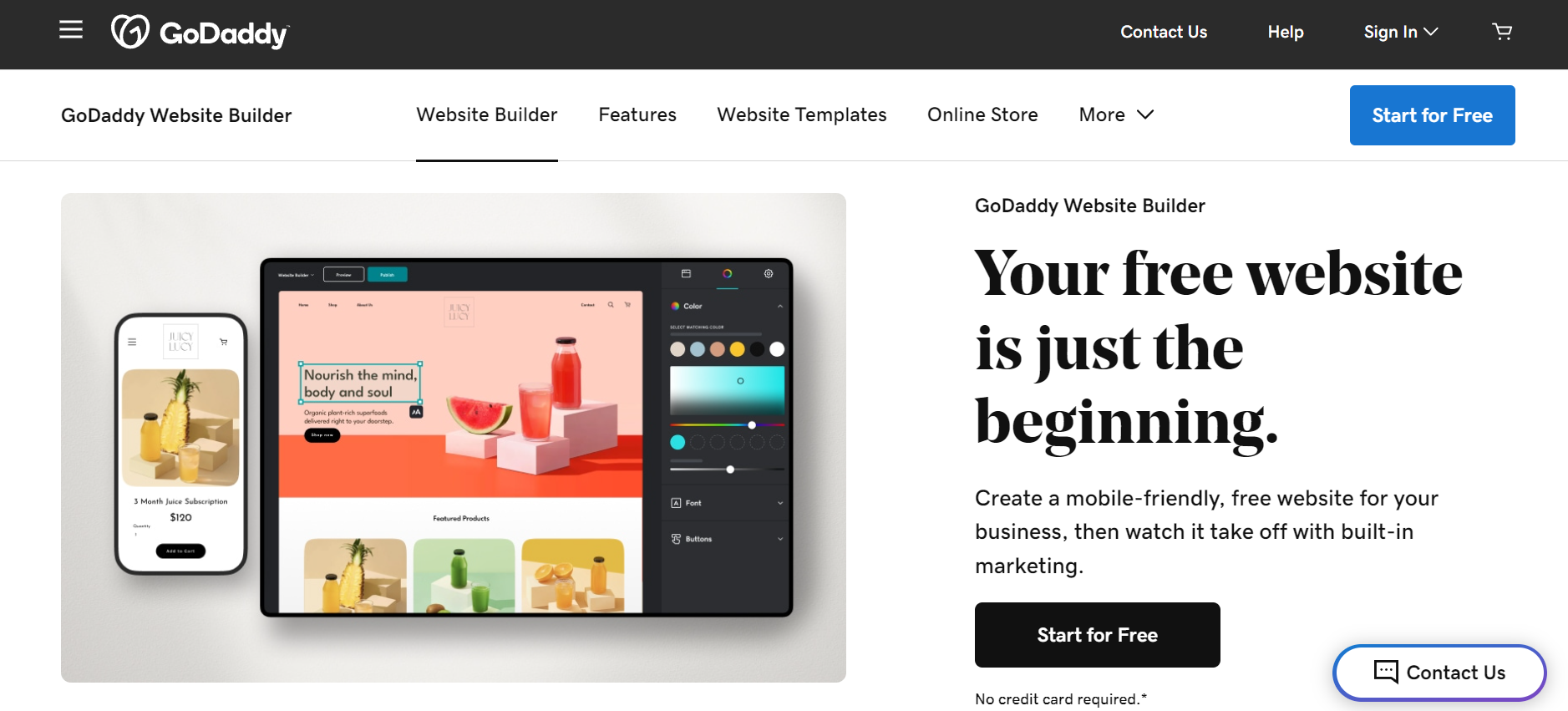
Image Source: GoDaddy
Who is it for?
Service providers, local businesses, and small business owners focused on speed and simplicity.
GoDaddy features
You can see some of its standout features below:
- Designer-made templates
- Built-in SEO, email marketing, and social media integration
- eCommerce dashboard for managing orders and reviews
- GoDaddy Studio for social and email content creation
GoDaddy pricing
Free plan with basic features; paid plans range from $10.99 to $23.99/month.
How does GoDaddy compare to Wix?
GoDaddy is a cheaper website builder as opposed to Wix. Here’s an overview of how they compare:
| GoDaddy | Wix | |
| Best for | Service businesses, quick online setup | General business websites |
| Standout feature | Speed of setup + domain ecosystem | Large template library |
| Cons | Limited advanced customization option | Templates aren’t entirely responsive |
| Price | From $10.99/mo | $17 per month |
| Free Plan/Trial | Yes (Free trial) | Yes (Free trial) |
9. IONOS—Best for businesses wanting hosting and a website builder in one
IONOS is a IONOS is a hosting platform with a website builder built in — meaning you get domain, hosting, and site creation in one package. Its AI tools (text generator, image generator, color palette suggestions) make building a site faster for people without design experience. The platform is also designed to efficiently manage multiple sites, making it easy for users to launch and oversee several websites from a single dashboard. platform featuring a website builder that allows you to generate both images and text for the site.
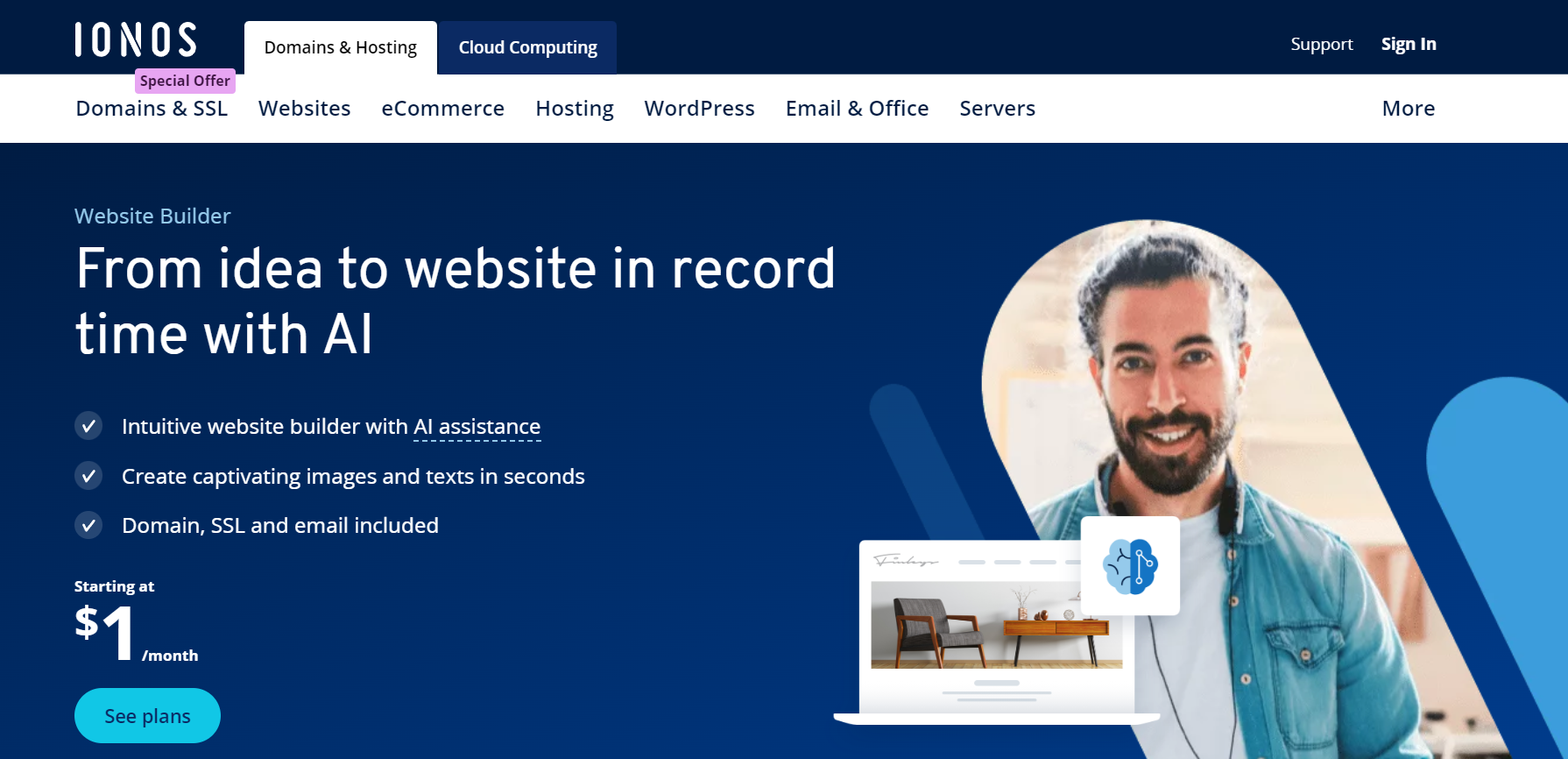
Image Source: IONOS
Who is it for?
Professionals and business owners who want to handle everything in one place.
IONOS features
Here are some of what IONOS offers:
- AI website builder from prompts or templates
- AI text and image generation
- Hosting and domain management included
- Efficient management of multiple sites
- Site analytics
IONOS pricing
IONOS pricing plans range between $12 and $30 per month. They don’t have a free plan or trial.
How does IONOS compare to Wix?
IONOS offers a better hosting solution compared to Wix. It’s a hosting platform with a website builder included. See how both tools match up when placed side by side in this graph:
| IONOS | Wix | |
| Best for | All-in-one hosting + site creation | General business websites |
| Standout feature | Hosting + builder + AI in one package | Large template library |
| Cons | Limited customization when using templates | Templates aren’t entirely responsive |
| Price | $12 per month | $17 per month |
| Free Plan/Trial | N/A | Yes (Free trial) |
10. Webflow—Best for designers who want advanced creative control
Webflow sits at the upper end of the no-code spectrum, offering unmatched design freedom and more control compared to a typical wix site or wix website. Designers can build highly custom, production-quality websites with fine-grained control over layout, interactions, and animations — all without writing code, though it helps to understand CSS concepts. For advanced customization, Webflow also allows the use of custom code, while still providing extensive tools for no-code design and site management. This reduces reliance on third party apps, streamlining your workflow and ensuring your site performs optimally through ongoing optimization.
Migrating from a closed system like Wix to Webflow gives users more flexibility and control over their website structure, SEO, and content management. Webflow is a visual web design platform that enables users to build fully custom websites without code, providing significant design flexibility. Its CMS is designed for structured content management, allowing you to manage complex content types without additional plugins. Webflow also offers strong SEO tools out of the box, including custom slugs, meta fields, schema markup, and clean, performance-first code. Organizations like NASA use Webflow for their own website, showcasing its professional capabilities. Additionally, Webflow’s ai features enhance design and content creation, making the platform even more efficient and user-friendly.
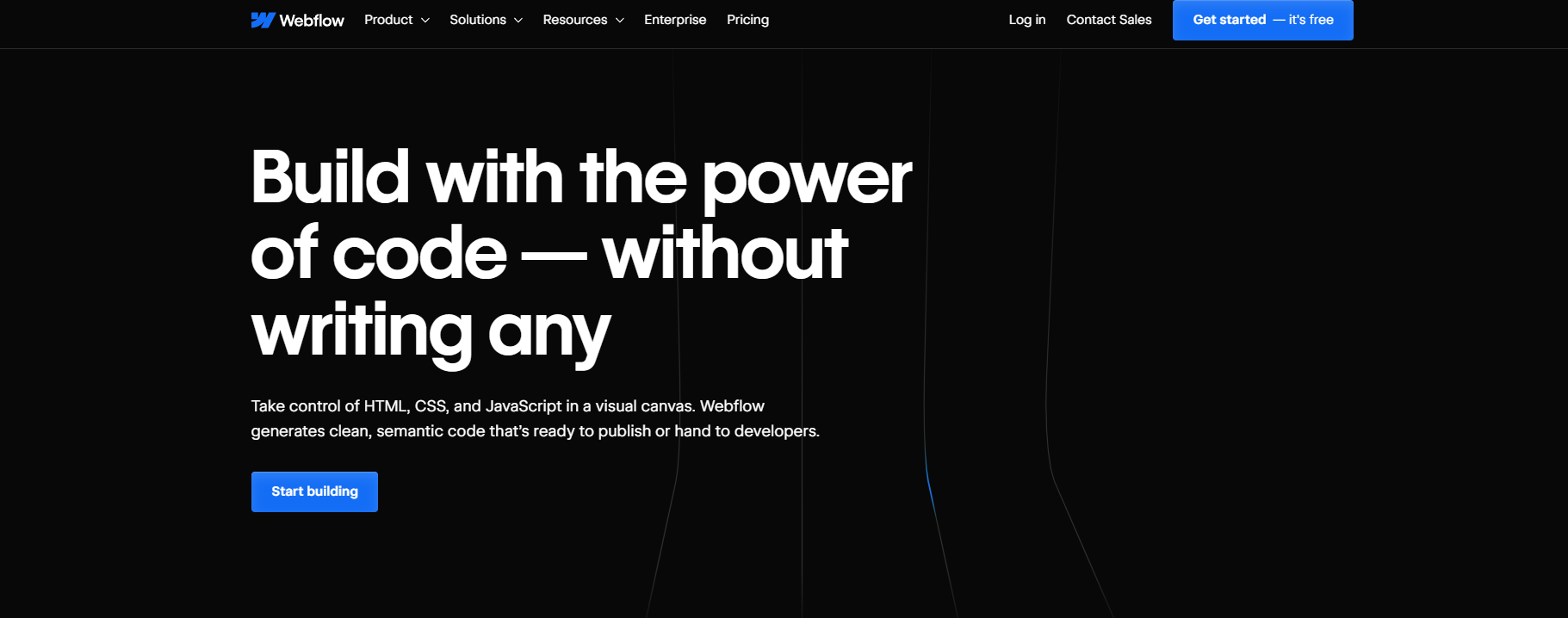
Image Source: Webflow
The learning curve is real, but the ceiling is high. Webflow is what you reach for when the other builders on this list aren’t enough.
Who is it for?
Web designers, design-led startups, and developers who want custom results without fully hand-coding.
Webflow features
Check out some of Webflow’s features:
- Visual CSS editor with advanced layout control
- Interaction and animation builder
- Figma plugin for design-to-Webflow workflow
- Localization for global audiences
- eCommerce functionality
- Third-party integrations (Google Analytics, Zapier, etc.)
Webflow pricing
Webflow has a free plan but you can only have two static pages on your site.
If you want more features, you can go for their premium plans starting at $18 per month.
How does Webflow compare to Wix?
Webflow allows users to create simple to highly complex websites with interactive elements while Wix is known for producing more simple, easy-to-create sites.
See this table for more comparisons to see why Webflow is a good Wix alternative.
| Webflow | Wix | |
| Best for | Designers wanting full creative control | Beginners and general business sites |
| Standout feature | No-code design with CSS-level control | Template ease and breadth |
| Cons | Limited customization when using templates | Templates aren’t entirely responsive |
| Price | $18 per month | $17 per month |
| Free Plan/Trial | Yes (Free plan) | Yes (Free trial) |
***
Technical requirements: coding skills, security, and maintenance
When selecting a Wix alternative, it’s crucial to assess the technical requirements of each website builder to ensure it aligns with your team’s skills and your business goals. Some platforms, like self-hosted WordPress, offer extensive customization and advanced features but often require coding skills and hands-on management. This can be ideal for those seeking maximum control and scalability, but may not suit everyone.
On the other hand, website builders like Squarespace, Hostinger, and Wix prioritize ease of use with intuitive drag and drop editors, allowing users to build a professional online presence without any coding knowledge. These platforms typically handle the technical heavy lifting—such as secure hosting, SSL certificates, and automated updates—so you can focus on content and design rather than backend maintenance.
Security is another essential factor. Most leading website building platforms now include robust security features out of the box, such as SSL encryption, malware scanning, and regular backups. Platforms like Shopify and Hostinger offer automated security updates and maintenance, reducing the risk of vulnerabilities and ensuring your online store or business site remains protected.
Maintenance requirements can vary significantly. Fully managed solutions like Wix, Shopify, and Hostinger handle updates and backups automatically, while self-hosted WordPress sites require you to manage plugin updates, backups, and security patches yourself. If you’re looking for advanced ecommerce functionality or solid SEO tools, make sure your chosen platform offers these features without demanding extensive technical upkeep.
Ultimately, your choice should reflect your comfort with technical tasks, your need for advanced features, and your desire for a secure, hassle-free online presence. By evaluating these technical aspects, you’ll be better equipped to choose a website builder that supports your goals and delivers a professional online presence—whether you’re building a basic site or a feature-rich online store.
Frequently asked questions
Can I transfer my Wix domain to another site?
What features should I look for in a Wix alternative?
What is the best free alternative to Wix?
Is there anything better than Wix for small businesses?
Is Webflow better than Wix?
Can I use Ceros instead of Wix?
Related